Shopify Flow vs Mechanic: Which Automation Tool Should Your Store Use?
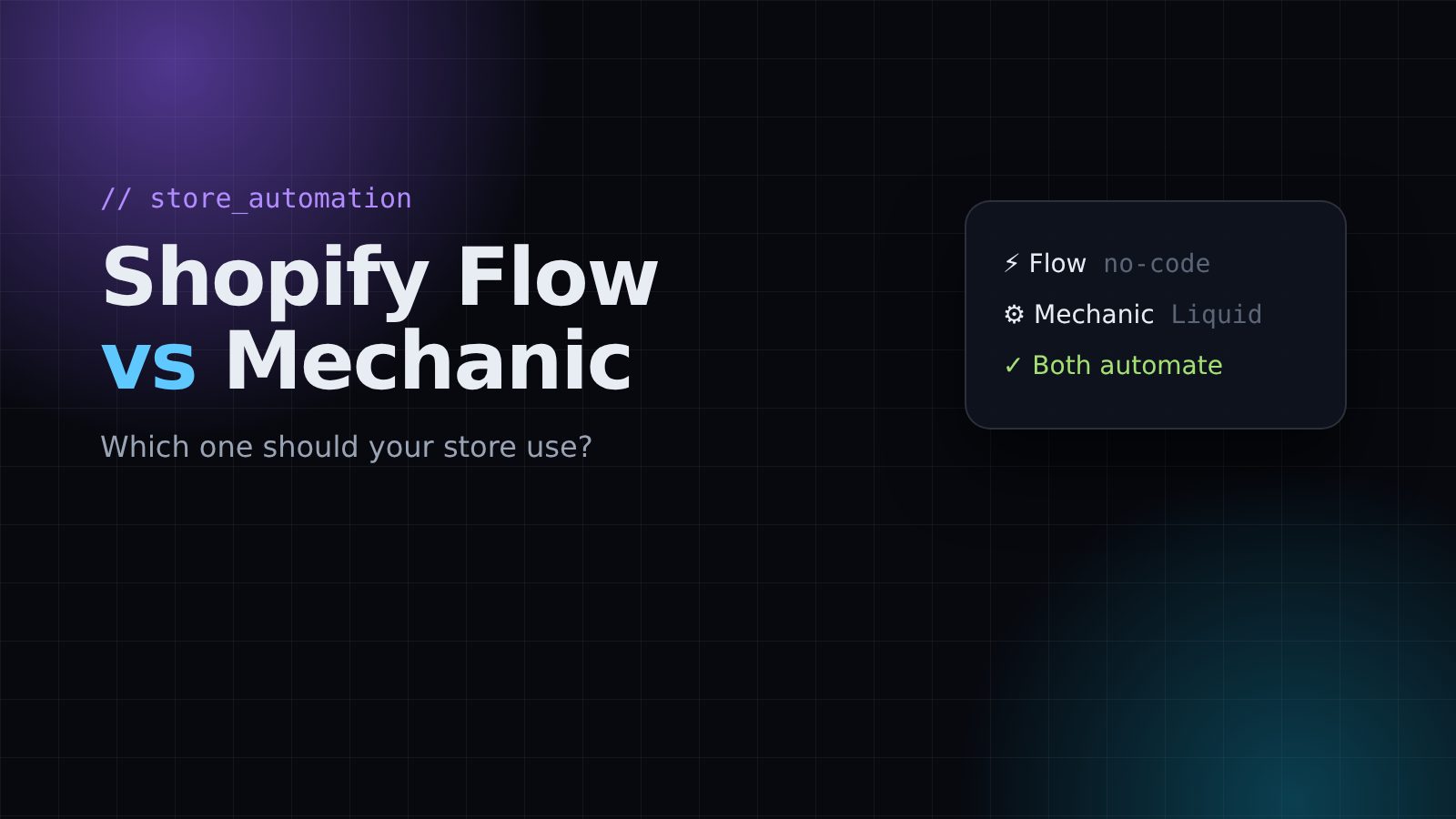
Every growing Shopify store hits the same problem: too many small manual jobs. Tagging orders, alerting the team when stock is low, sending a follow-up to a customer. Two tools solve most of this: Shopify Flow and Mechanic. I use both on client stores, and they are good at different things.
Shopify Flow in one minute
Flow is Shopify's own automation app. You build workflows visually with three pieces:
- Trigger: something happens, like an order is created
- Condition: check something, like the order total is over $200
- Action: do something, like add a VIP tag to the customer
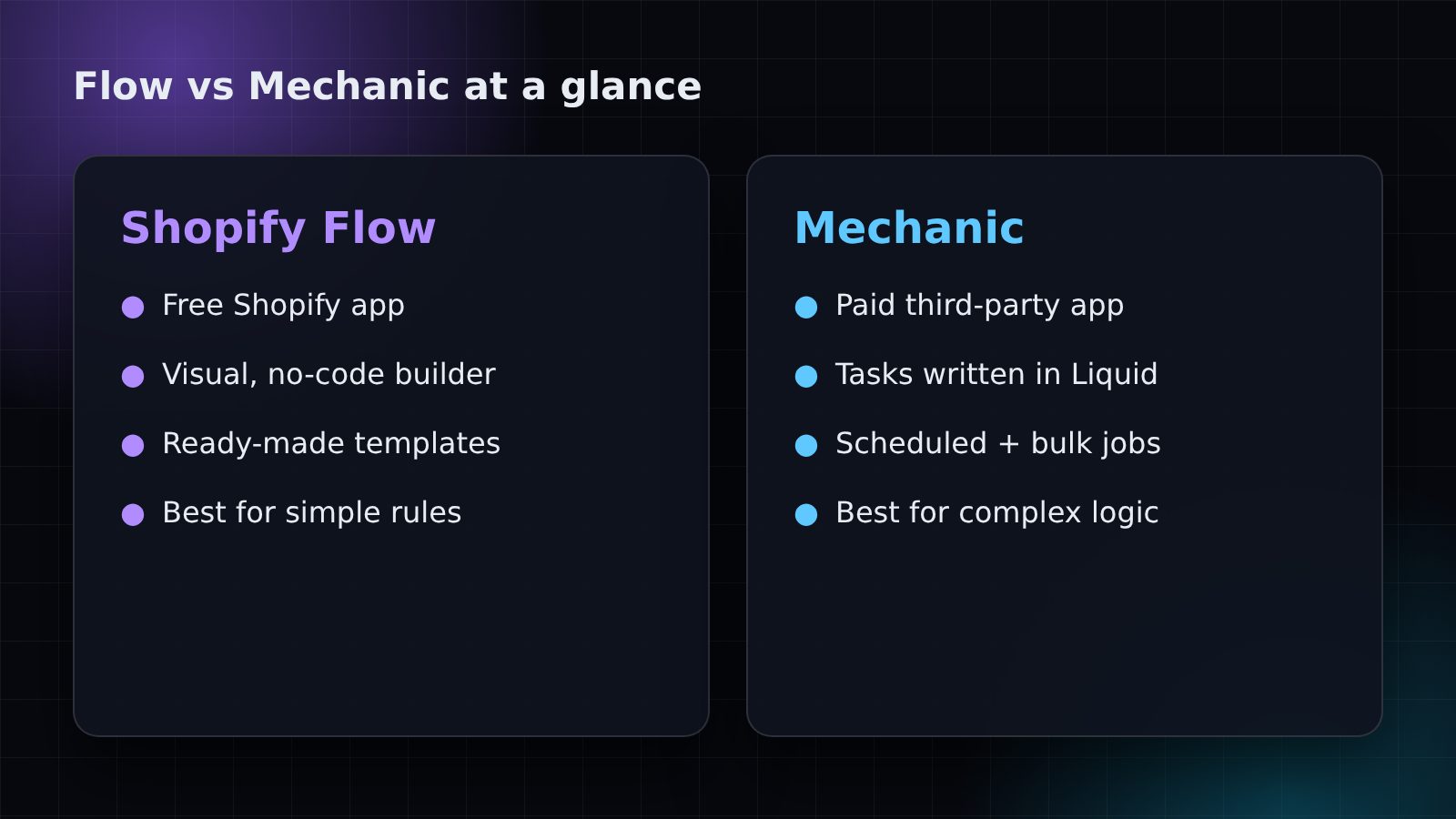
Flow is a free Shopify app, it comes with many ready-made templates, and you don't need to write code. For simple rules it is the fastest way to get started.
Mechanic in one minute
Mechanic is a third-party app from the Shopify App Store. Instead of drag and drop, each automation is a task written in Liquid, the same language Shopify themes use. It also has a large library of ready-made tasks you can install and adjust.
Because you write real logic, Mechanic can handle things Flow struggles with: loops over many products, scheduled jobs, bulk updates, building and emailing reports, or calling outside APIs. Mechanic is a paid app, so check its current pricing on the App Store.
When to use Shopify Flow
- You want a quick rule like "tag high-value orders" or "notify me when inventory drops below 5".
- Nobody on the team writes code and you want to edit the automation yourself.
- A Flow template already does 90% of what you need.
When to use Mechanic
- The logic has many steps, loops or calculations.
- You need something to run on a schedule, like a daily stock report at 8 AM.
- You want to update hundreds of products or orders at once.
- You need an automation Flow simply does not offer.
Can you use both?
Yes, and many stores do. A setup I often build: Flow handles the simple everyday rules the store owner can edit, and Mechanic handles the heavy jobs like scheduled reports, fulfillment logic and bulk cleanups. This keeps the simple stuff easy to change and the complex stuff reliable.
A simple way to decide
- Write down the job in one sentence, for example "every Monday email me products with fewer than 3 in stock".
- Search the Flow templates. If one fits, use Flow.
- If the job needs a schedule, a loop or a report, use Mechanic.
- If you're unsure, start with Flow. You can move a workflow to Mechanic later when it grows.
Want your store's repetitive work automated? Tell me what you do by hand every week and I'll suggest the simplest way to automate it.
Need help with your project?
Shopify development, AI automation and custom bots. Tell me what you need and I'll reply with a plan.
Get in touch