5 Business Tasks You Can Hand Over to a Python Bot
If someone on your team opens the same websites every morning, copies numbers into a spreadsheet or checks a dashboard twenty times a day, that job can probably be done by a small Python bot. Bots don't get tired, don't forget, and run at 3 AM without complaining.
Here are five tasks I see businesses automate most often, and what each one looks like in practice.
1. Price and stock monitoring
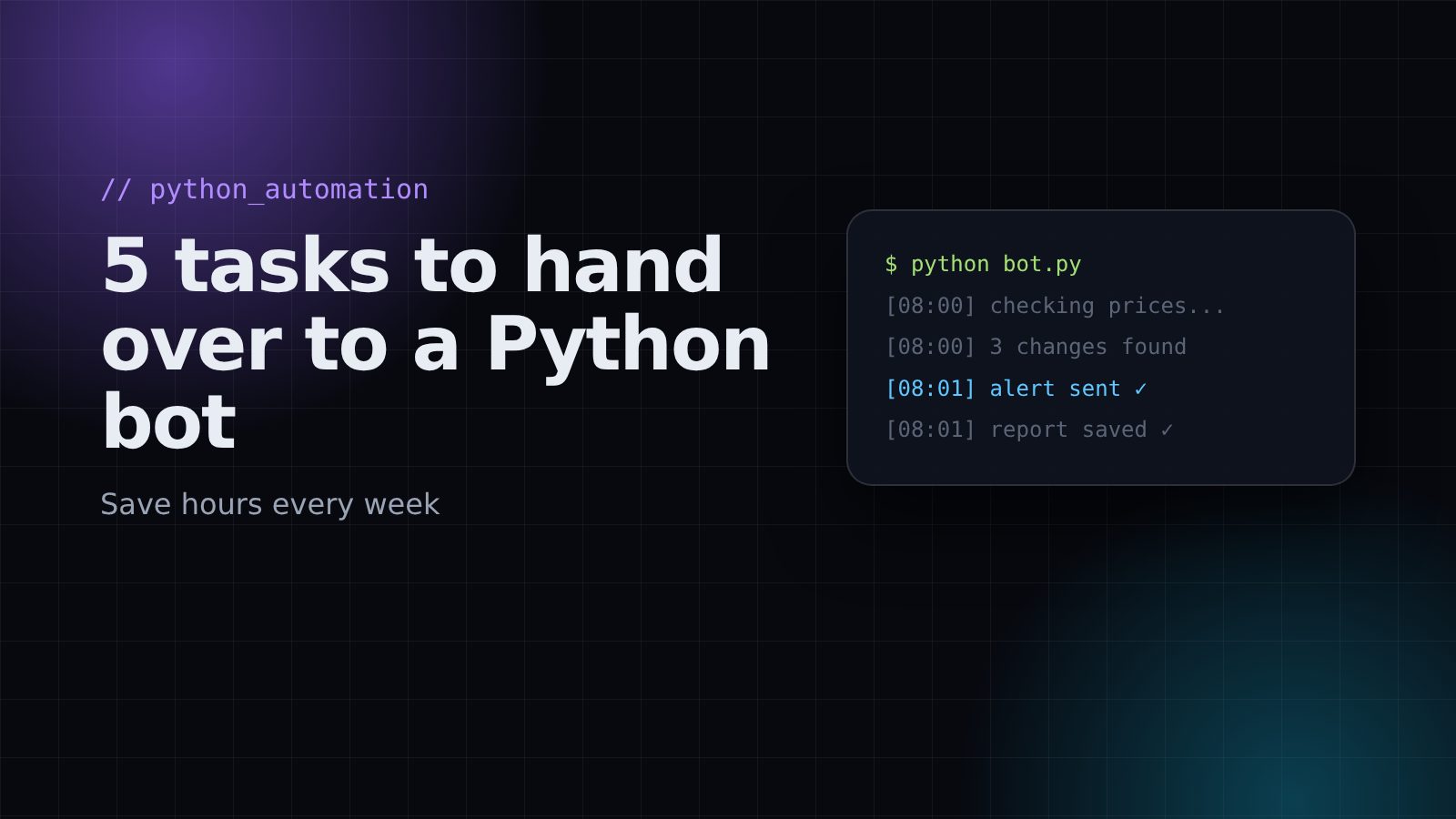
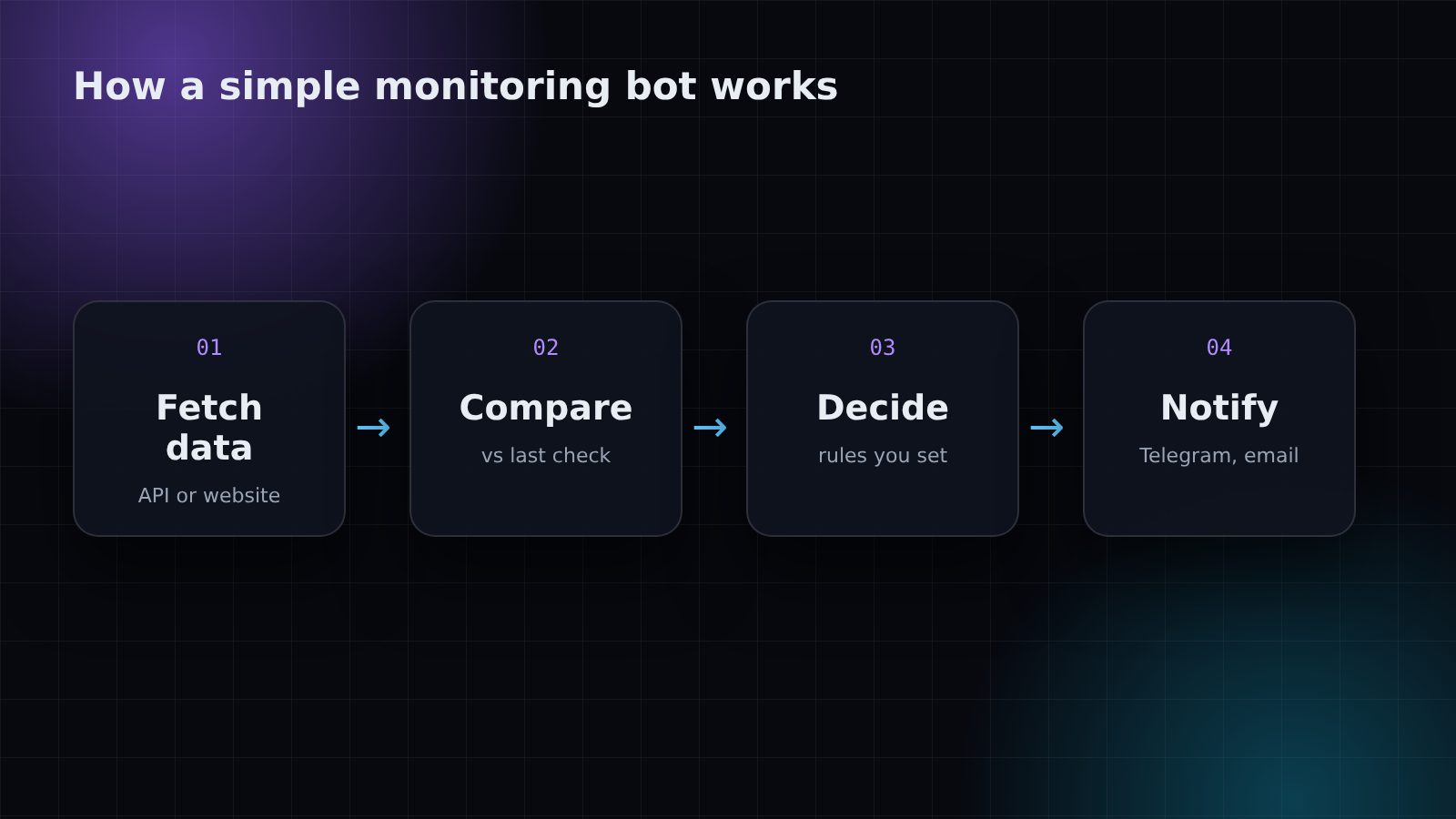
A bot can check competitor prices, supplier stock or marketplace listings on a schedule and tell you only when something changes. Instead of checking 50 pages by hand, you get one message: "3 prices changed today".
2. Market and data alerts
Many APIs give you live data: crypto markets, exchange rates, weather, shipping status. A bot can watch these numbers and alert you when they cross a level you care about. You decide the rules, the bot does the watching.
3. Daily and weekly reports
A bot can pull numbers from Shopify, Google Sheets or any API, put them together and send a clean summary to your email or Telegram every morning. No more logging into five dashboards.
4. Moving data between tools
New order in one system needs to appear in another? A form submission needs to become a row in a sheet and a message to your team? This kind of "glue" work is perfect for automation through APIs.
5. Repetitive website tasks
Downloading invoices, checking that pages are online, collecting public information you're allowed to use. A bot can do these the same way every time and keep a log of what it did.
What a simple bot looks like
Here is a stripped-down example of a price watcher. A real one adds error handling, logging and a proper notification channel, but the idea is the same:
import requests, time

URL = "https://example.com/api/price"   # the data you want to watch
CHECK_EVERY = 15 * 60                    # seconds
last_price = None

def notify(text):
    # send to Telegram, email, Slack... here we just print
    print(text)

while True:
    price = requests.get(URL, timeout=20).json()["price"]
    if last_price is not None and price != last_price:
        change = (price - last_price) / last_price * 100
        notify(f"Price changed: {last_price} -> {price} ({change:+.1f}%)")
    last_price = price
    time.sleep(CHECK_EVERY)
Before you build a bot
- Use official APIs when they exist. They are faster and more reliable than scraping web pages.
- Respect the rules of the websites and platforms you connect to. Read their terms and rate limits.
- Plan for failures. Internet drops and APIs change, so a good bot retries and tells you when something breaks.
- Start small. Automate one painful task first, then add more.
Have a task you repeat every day? Describe it to me and I'll tell you honestly whether a bot can do it and how long it would take to build.
Need help with your project?
Shopify development, AI automation and custom bots. Tell me what you need and I'll reply with a plan.
Get in touch